Make a Payment
Speak with one of our friendly agents to process your payment securely
Pay Online
Use our secure online payment portal
You can also make a payment online through our secure BillPay portal. Have your account information ready and follow the simple steps below.
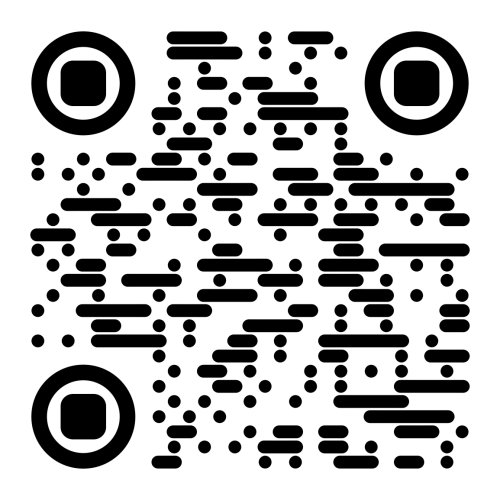
Pay Online NowOr scan this QR code with your phone:
How to Pay Online
- Select whether you are the account holder or a third-party payer
- Enter your Account Number
- Enter your Last Name (or Business Name if applicable)
- Accept the terms and conditions
- Complete your secure payment
You will need:
- Your Account Number
- Your Last Name or Business Name
If the account is for a business, enter the Business Name in the Last Name field.
Ready to Make a Payment?
Speak with one of our friendly agents to process your payment securely
To make a payment, please call our toll-free number and speak with one of our trained agents. Our team is ready to assist you with processing your payment quickly and securely.
1-877-503-9633Toll-Free across Canada
Business Hours
Monday - Friday: 7:00 AM - 11:00 PM EST
Saturday: 10:00 AM - 6:30 PM EST
Please have ready: Your ACRM reference number and preferred payment method (debit or credit card).
Our agents are committed to providing you with courteous, professional service while helping you resolve your account.